
VidaBay Snap User Guide: Pair Once, Transfer to Any Number of Devices
Many customers who purchase multi-packs of VidaBay Snap often ask: do I need to pair each fridge magnet separately with my phone? Accustomed to the one-to-one binding model of traditional smart devices, many users go through pairing repeatedly for each unit, assuming each device requires a separate connection setup.
To clarify once and for all: VidaBay Snap uses a universal passive transmission mechanism. You only need to complete pairing authorization once on your phone, and you can transfer photos to any number of VidaBay Snap devices — no repeated pairing per unit, and no per-device binding restrictions.
Unlike Bluetooth earbuds, fitness trackers and other active smart devices — which require a dedicated, exclusive connection with your phone and carry unique hardware identifiers that demand individual pairing — VidaBay Snap operates on a completely different principle. As a battery-free color E Ink display, it has no internal battery, no standalone system storage, and no hardware binding mechanism. What we call “pairing” is essentially the process of configuring your phone’s transfer app to support the NFC passive communication protocol, obtaining necessary system permissions, and establishing a stable energy and data transmission channel. This channel is compatible with the full transmission standard, not locked to any single fridge magnet unit.
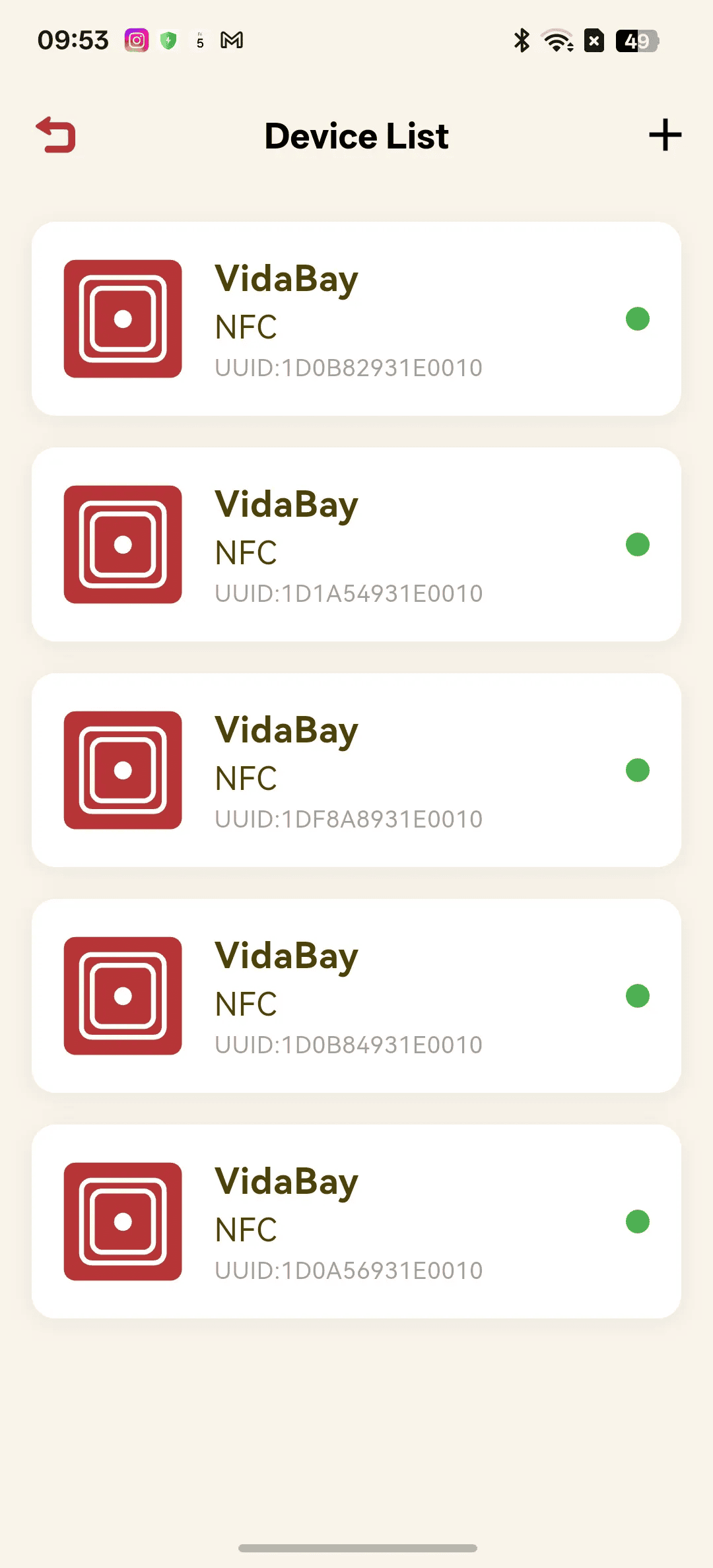
Put simply: pairing matches your phone to the transmission protocol, not to an individual device. That means once your phone has completed pairing once, it can transfer data to any VidaBay Snap. If you purchased a 3-pack or multi-unit set, simply take any one device, follow the in-app guide to finish initial pairing, and you are done — no extra steps for the remaining units. For daily use, just align the NFC area on the back of your phone with the center of the fridge magnet, hold them firmly together, and the photo transfer and screen refresh will complete in seconds.
Some users worry that repeated pairing may cause issues. In reality, running the pairing process multiple times simply reconfirms the protocol configuration. It will not cause data conflicts, device recognition errors, or any negative impact on transmission performance.
**Important note**: If repeated pairing has left you confused about your connection status, or if you suspect an irregularity, simply uninstall the transfer app from your phone, reinstall it, and complete pairing once more to restore the initial state. The process is quick and straightforward.
VidaBay Snap was designed to make photo sharing effortless with a minimalist passive solution. We have eliminated the hassle of charging, Wi-Fi setup and complicated configuration — including the need to pair multiple devices one by one — so you can focus on capturing and sharing the moments that matter.
Quick tip: For the most stable transmission and complete screen refresh, we recommend removing thick metal phone cases and pressing your phone firmly against the fridge magnet during transfer.